
The AI tools ecosystem in 2025 represents a fundamental shift in how we work, create, and innovate. No longer confined to chatbots and image generators, today’s AI tools are specialized platforms solving specific problems with unprecedented effectiveness. From development environments that understand your codebase to voice dictation that transcribes faster than you can type, these tools are redefining productivity across every industry.
This comprehensive guide examines the 10 most promising up and coming AI tools in 2025—platforms that are gaining massive traction, raising significant funding, and genuinely transforming how professionals work. These aren’t incremental improvements; they represent entirely new categories of software made possible by AI.
What Makes an AI Tool “Up and Coming”?
Before exploring individual tools, it’s essential to understand what distinguishes “up and coming” from merely “new.” The tools featured here share several characteristics:
- Recent Launch or Major Update: Launched or significantly updated in 2024-2025
- Rapid Growth: Demonstrating explosive user adoption or revenue growth
- Innovation: Introducing genuinely new capabilities or approaches
- Problem-Solving: Addressing real pain points with measurable improvements
- Market Validation: Backed by significant funding, awards, or user traction
With these criteria in mind, let’s explore the 10 best up and coming AI tools transforming work in 2025.
1. Cursor: The AI-Powered Code Editor Winning Developers’ Hearts
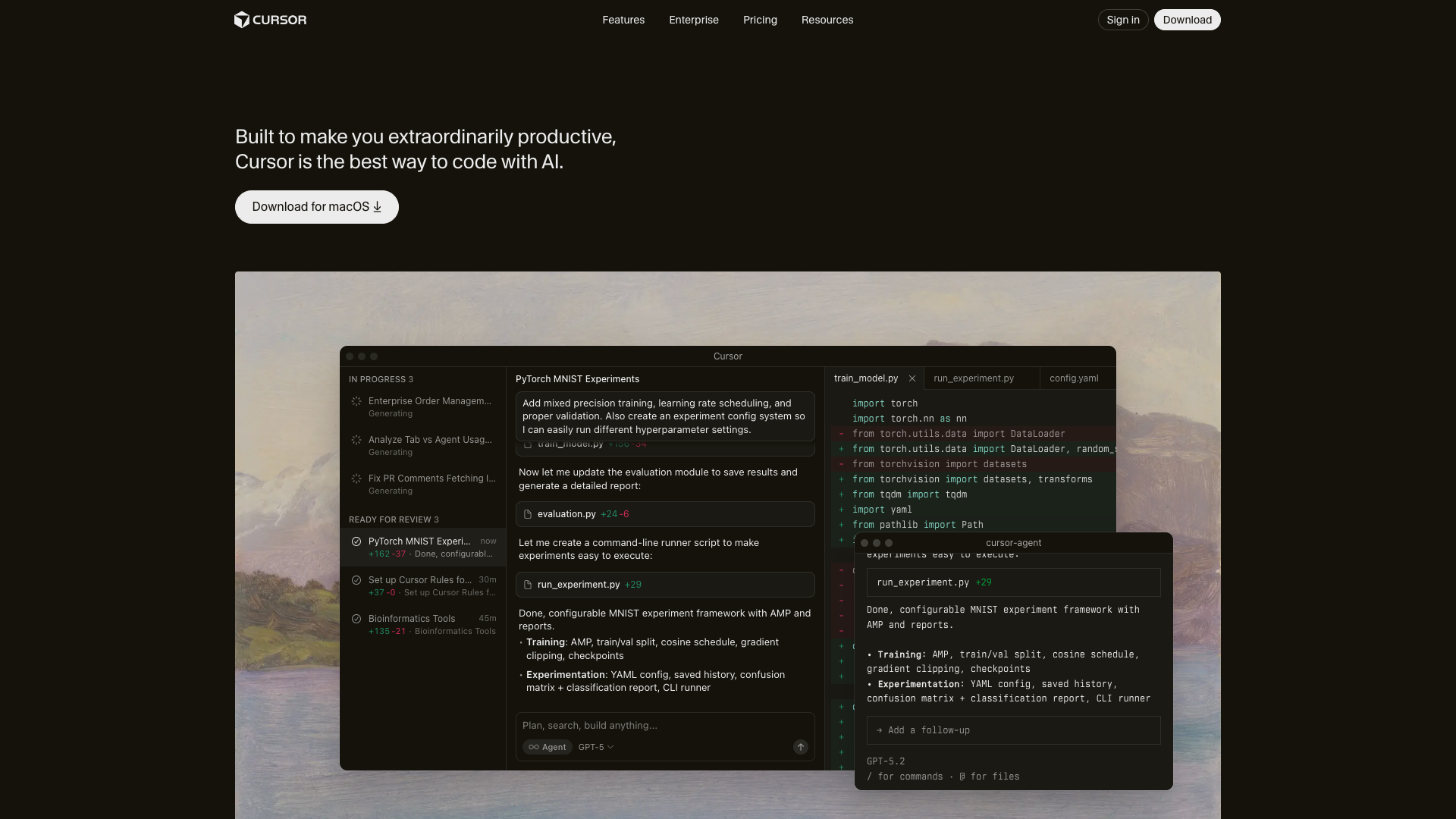
Cursor has emerged as the breakout success story of 2024, winning Product Hunt’s Product of the Year award and reaching an astonishing $65 million in annual recurring revenue as of November 2024.
What It Does
Cursor is an AI-native code editor built on the familiar Visual Studio Code foundation, transforming it into an intelligent pair-programming partner that understands your entire codebase.
Key Features
- Contextual Code Completion: AI suggestions that understand your project architecture and coding patterns
- Natural Language Editing: Describe changes in plain English and watch Cursor implement them
- Codebase Understanding: Ask questions about your code and receive accurate, contextual answers
- Multi-File Editing: Make coordinated changes across multiple files simultaneously
- Built on VS Code: All your favorite extensions and shortcuts work seamlessly
Primary Use Cases
- Full-stack web development
- Code refactoring and optimization
- Learning new frameworks and languages
- Debugging complex issues
- Rapid prototyping and MVP development
Pricing
- Free Tier: 2000 completions, 50 slow premium requests per month
- Pro: $20/month with unlimited completions and 500 fast premium requests
- Business: Custom pricing with team features and enhanced security
Why It’s Transformative
Cursor represents the future of software development where AI doesn’t just autocomplete—it genuinely understands intent. The tool’s rapid adoption among professional developers (not just hobbyists) validates that AI-assisted coding has reached production-grade reliability. With developers reporting 30-50% productivity improvements, Cursor is proving that AI tools can deliver measurable value in professional workflows.
2. Lovable: From Idea to Full-Stack App in Minutes
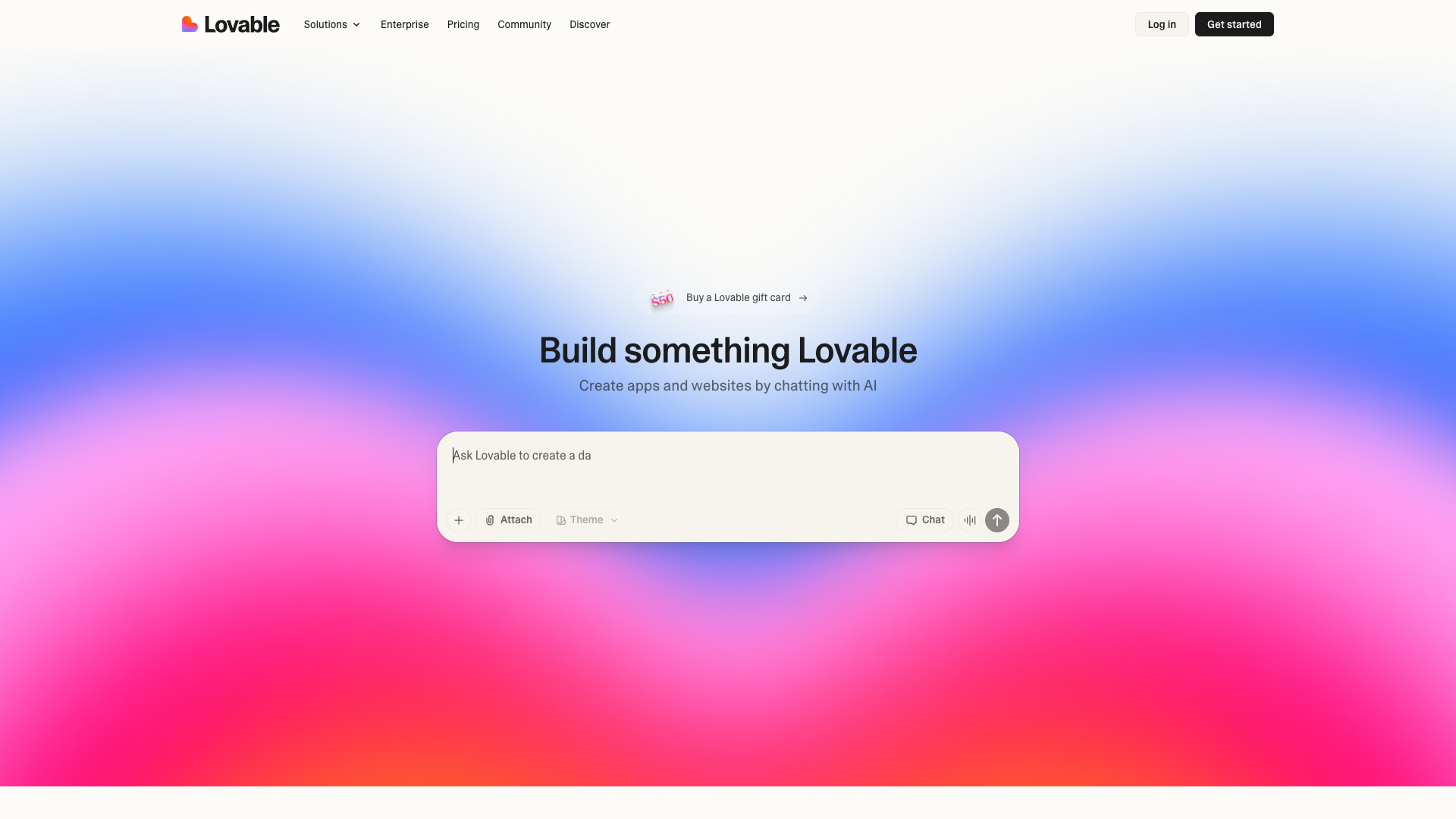
Lovable (formerly GPT Engineer) achieved one of the most impressive growth trajectories in AI history: $0 to $7 million ARR in just two months following their November 2024 relaunch, with over 140,000 registered users.
What It Does
Lovable is an AI-powered full-stack development platform that generates complete, working web applications from natural language descriptions, handling everything from frontend UI to backend databases.
Key Features
- Natural Language to Code: Describe your app idea and watch it materialize in real-time
- Visual Design Process: AI sketches your app’s interface before building it
- Transparent Code Generation: See exactly what code is being written and why
- One-Click Deployment: Launch your application instantly with integrated hosting
- Iterative Development: Refine and modify your app through conversation
Primary Use Cases
- Rapid MVP development for startups
- Prototyping app concepts before full development
- No-code/low-code application creation
- Learning full-stack development
- Internal tools and dashboards
Pricing
- Free Tier: Build and experiment with limited projects
- Pro: $20/month with unlimited projects and advanced features
- Teams: $40/user/month with collaboration features
Why It’s Transformative
Lovable democratizes app development in a way previous no-code tools never achieved. Unlike template-based builders, it generates custom code tailored to your specific requirements, making each application unique. The educational transparency—showing users how their apps are built—creates a learning opportunity while delivering functional software. For entrepreneurs and product managers, Lovable compresses the idea-to-prototype timeline from weeks to hours.
3. Wispr Flow: Voice Dictation That Actually Works
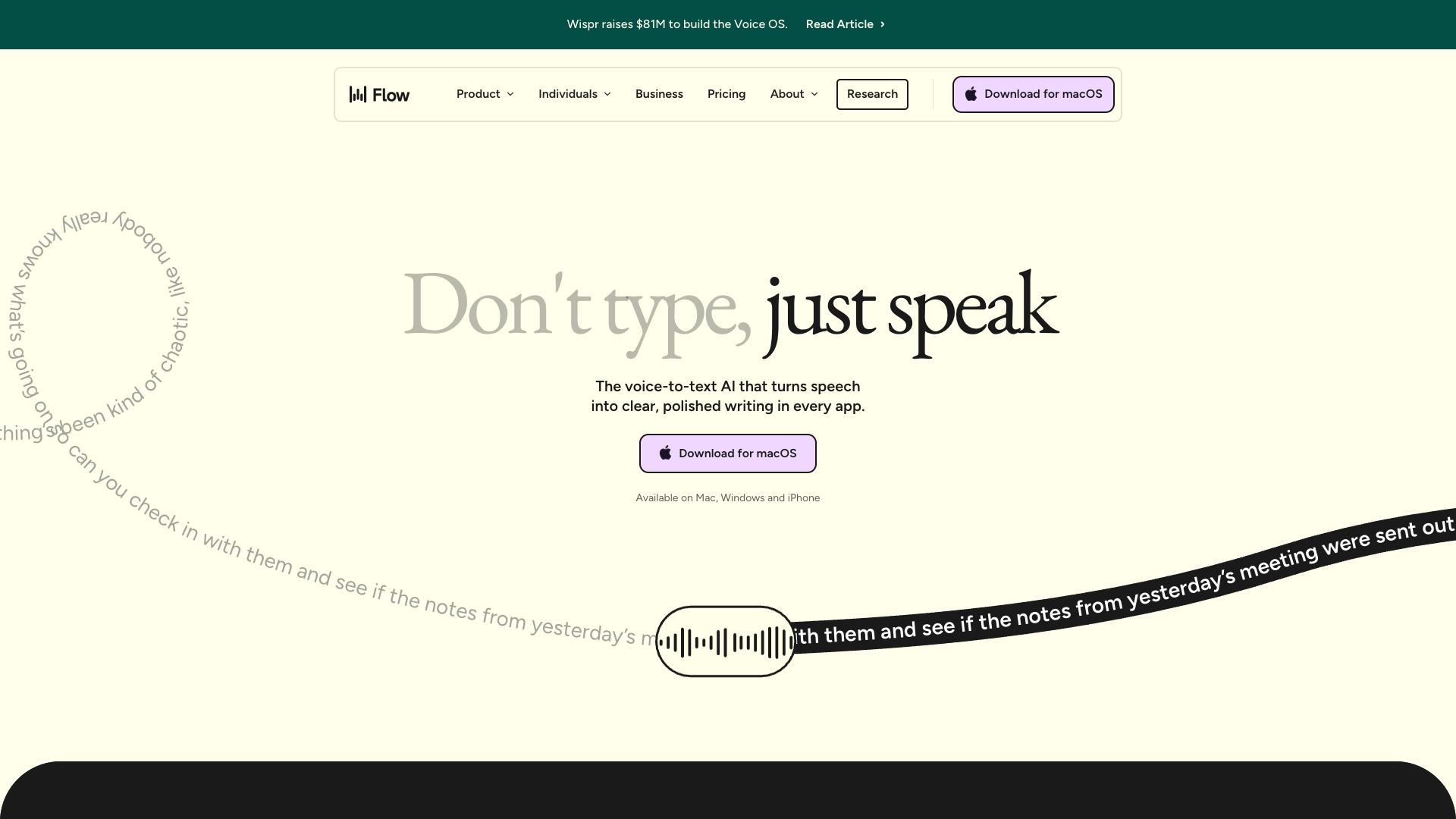
Wispr Flow raised $30 million in Series A funding in 2024, bringing total funding to $56 million, as it rolls out revolutionary voice-to-text technology across Mac, Windows, and iOS platforms.
What It Does
Wispr Flow provides AI-powered voice dictation that transcribes speech at up to 220 words per minute (4x faster than typing) across all applications, with intelligent formatting and automatic filler word removal.
Key Features
- 220 WPM Transcription: Speak naturally and watch text appear faster than you can type
- Auto-Formatting: Intelligently adds punctuation, capitalization, and structure
- Filler Word Removal: Automatically eliminates “um,” “uh,” and other verbal crutches
- 100+ Languages: Supports multilingual dictation with high accuracy
- Personal Dictionary: Learns custom terminology, names, and industry jargon
- HIPAA Compliance: SOC 2 Type II certification for medical and legal use
Primary Use Cases
- Medical documentation and clinical notes
- Legal transcription and case documentation
- Content writing and blog posts
- Email composition
- Meeting notes and documentation
- Academic writing and research
Pricing
- Flow Basic: Free (2,000 words per week)
- Flow Pro: $15/month (unlimited words)
- Flow Enterprise: $24/user/month with team management and compliance features
Why It’s Transformative
Wispr Flow succeeds where previous dictation tools failed by making voice input genuinely faster and more accurate than typing. The automatic filler word removal and intelligent formatting mean users can speak naturally without tedious post-editing. For professionals who spend hours typing—doctors, lawyers, writers—Wispr Flow delivers measurable time savings and reduces repetitive strain injuries. The HIPAA-ready compliance also makes it viable for regulated industries that couldn’t previously adopt consumer dictation tools.
4. Gamma: AI Presentations That Don’t Look AI-Generated

Gamma has evolved from a simple AI presentation creator to a comprehensive visual communication platform, with major updates in 2024-2025 adding real-time research and presentation analytics.
What It Does
Gamma transforms text prompts and outlines into professionally designed presentations, documents, and webpages without requiring any design skills or template selection.
Key Features
- AI-Powered Generation: Create complete presentations from brief outlines or prompts
- Smart Research: Real-time data integration from web sources (September 2024 update)
- Presentation Analytics: Track viewer engagement and time spent on each slide (February 2025 update)
- One-Click Redesign: Instantly change themes and layouts without manual formatting
- Collaborative Editing: Real-time teamwork with comments and suggestions
- Interactive Content: Embed videos, charts, and interactive elements seamlessly
Primary Use Cases
- Business presentations and pitch decks
- Marketing materials and sales decks
- Educational content and course materials
- Product documentation and user guides
- Internal reports and team updates
Pricing
- Free: 400 AI credits (approximately 8-10 presentations)
- Plus: $8-10/month with unlimited AI generation
- Pro: $15-20/month with advanced analytics and team features
Why It’s Transformative
Gamma solves the fundamental problem plaguing AI design tools: output that screams “AI-generated.” Its designs are sophisticated and customizable enough for professional use, while the Smart Research feature addresses the accuracy concerns that plague pure AI content generation. The presentation analytics added in 2025 provide valuable insights into audience engagement—data impossible to capture with traditional PowerPoint files. For professionals who need to create frequent visual materials but lack design expertise, Gamma delivers presentation quality that previously required hiring designers.
5. Descript: Editing Video as Simply as Editing Text
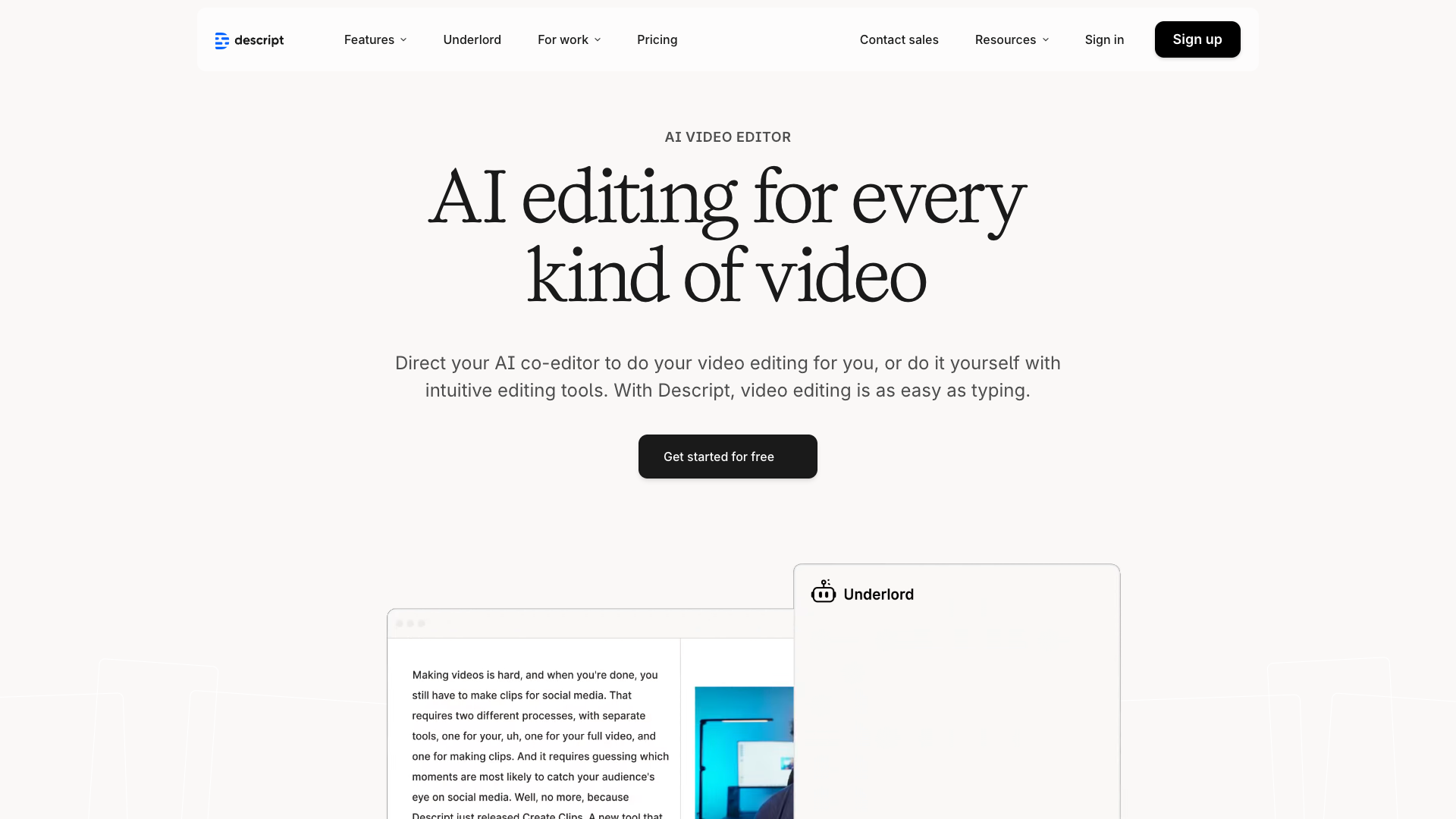
Descript introduced its revolutionary “Underlord” AI co-editor in 2024, transforming an already innovative text-based video editor into an autonomous video production assistant.
What It Does
Descript enables video and audio editing through text-based manipulation, where you edit transcripts and the media automatically adjusts, plus AI-powered enhancements that would traditionally require professional expertise.
Key Features
- Text-Based Editing: Cut, rearrange, and edit video by modifying the transcript
- Studio Sound: One-click audio enhancement to studio-quality levels
- Eye Contact AI: Adjusts video to make speakers appear to look at the camera
- Underlord AI Co-Editor: Autonomous AI that can edit videos based on instructions
- Filler Word Removal: Automatically detect and remove “um,” “uh,” and pauses
- AI Voiceovers: Generate realistic voice narration in multiple voices
Primary Use Cases
- Podcast production and editing
- YouTube video creation
- Webinar and online course production
- Social media content creation
- Corporate communications and training videos
- Interview editing and documentary production
Pricing
- Free: 100 lifetime AI credits (approximately 10 minutes of transcription)
- Creator: $15/month with 10 hours of transcription per month
- Pro/Business: $30/month with 30 hours and advanced features
Why It’s Transformative
Descript fundamentally reimagines video editing by making it accessible to anyone who can edit a document. The paradigm shift from timeline-based editing to text-based editing removes the steep learning curve associated with traditional video editing software. The Underlord AI feature, introduced in 2024, represents the next evolution—giving AI actual creative autonomy to make editing decisions based on high-level instructions. For content creators, podcasters, and businesses producing regular video content, Descript compresses production timelines from hours to minutes while maintaining professional quality.
6. Fathom AI: The Meeting Assistant That Actually Stays Free
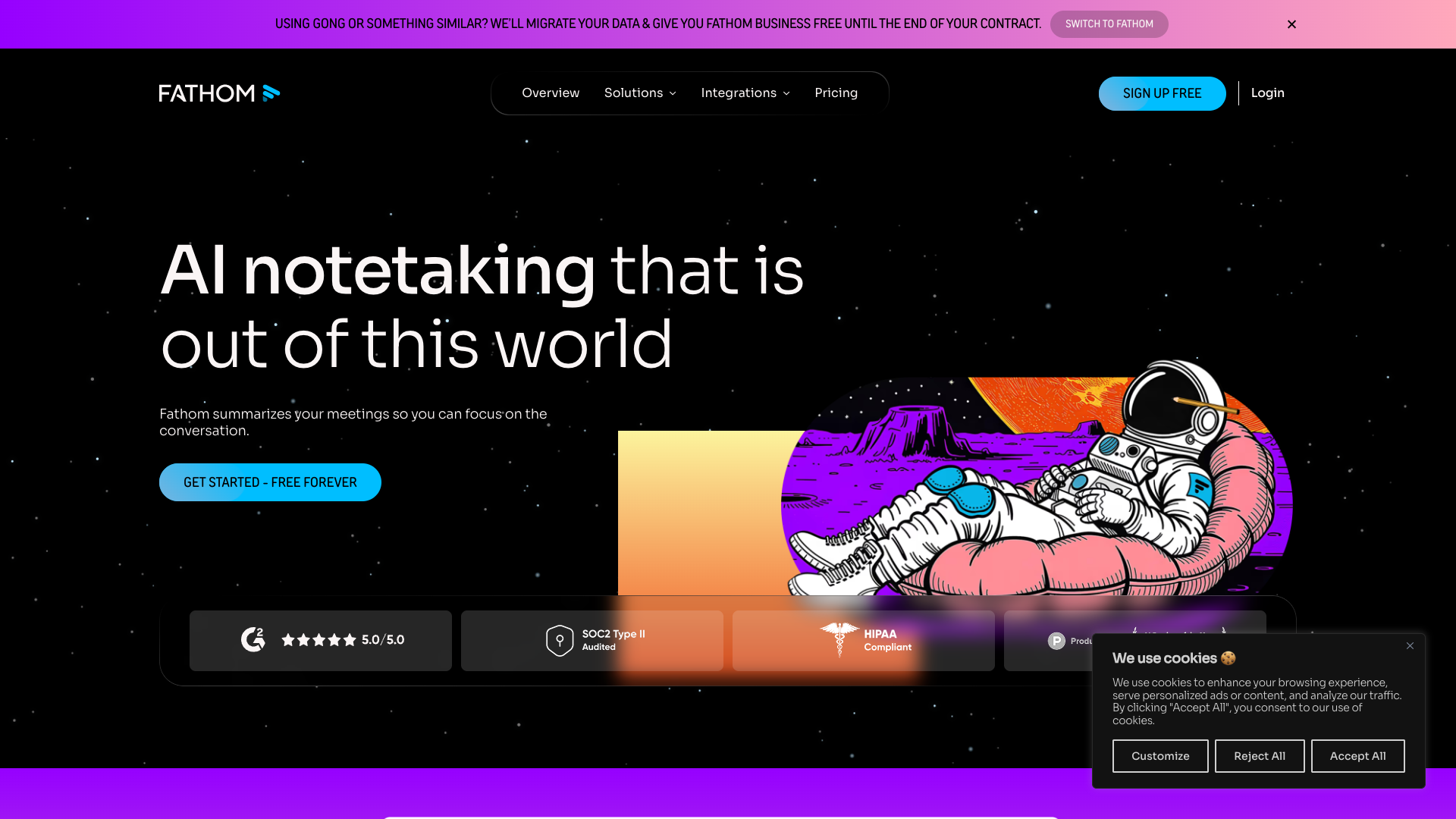
Fathom AI stands out in the crowded AI meeting assistant space by offering unlimited recording and transcription on its free tier—a strategy that’s driven massive adoption across remote teams.
What It Does
Fathom provides AI-powered meeting recording, transcription, and summarization across Zoom, Google Meet, and Microsoft Teams, processing everything in just 30 seconds after meetings end.
Key Features
- 95% Transcription Accuracy: Industry-leading accuracy across multiple accents and languages
- 30-Second Processing: Instant summaries and action items immediately after meetings
- Unlimited Free Recording: No meeting limits on the free tier (unlike competitors)
- No Meeting Bot: Optional “ghosting” mode that doesn’t announce AI presence
- CRM Integration: Automatic syncing with Salesforce, HubSpot, and other platforms
- Highlight Reels: Create shareable clips of important meeting moments
Primary Use Cases
- Sales call recording and analysis
- Team meeting documentation
- Client calls and consultations
- Interview transcription
- Remote collaboration and async communication
- Training and onboarding sessions
Pricing
- Free: Unlimited recording and transcription with core features
- Premium: $19/month with advanced search and longer retention
- Team Edition: $29/user/month with team analytics and sharing
- Team Edition Pro: $39/user/month with enhanced integrations
Why It’s Transformative
Fathom’s generous free tier removes the financial barrier preventing widespread adoption of meeting AI tools. The 30-second processing time is significantly faster than competitors requiring 10-15 minutes, making the tool practical for back-to-back meeting schedules. The optional “ghosting” feature addresses a legitimate concern—many professionals find meeting bots disruptive or off-putting in client calls. For sales teams in particular, Fathom provides invaluable conversation intelligence without requiring enterprise-level budgets, democratizing capabilities previously exclusive to companies using Gong or Chorus.ai.
7. HeyGen: AI Avatars Indistinguishable from Real Video
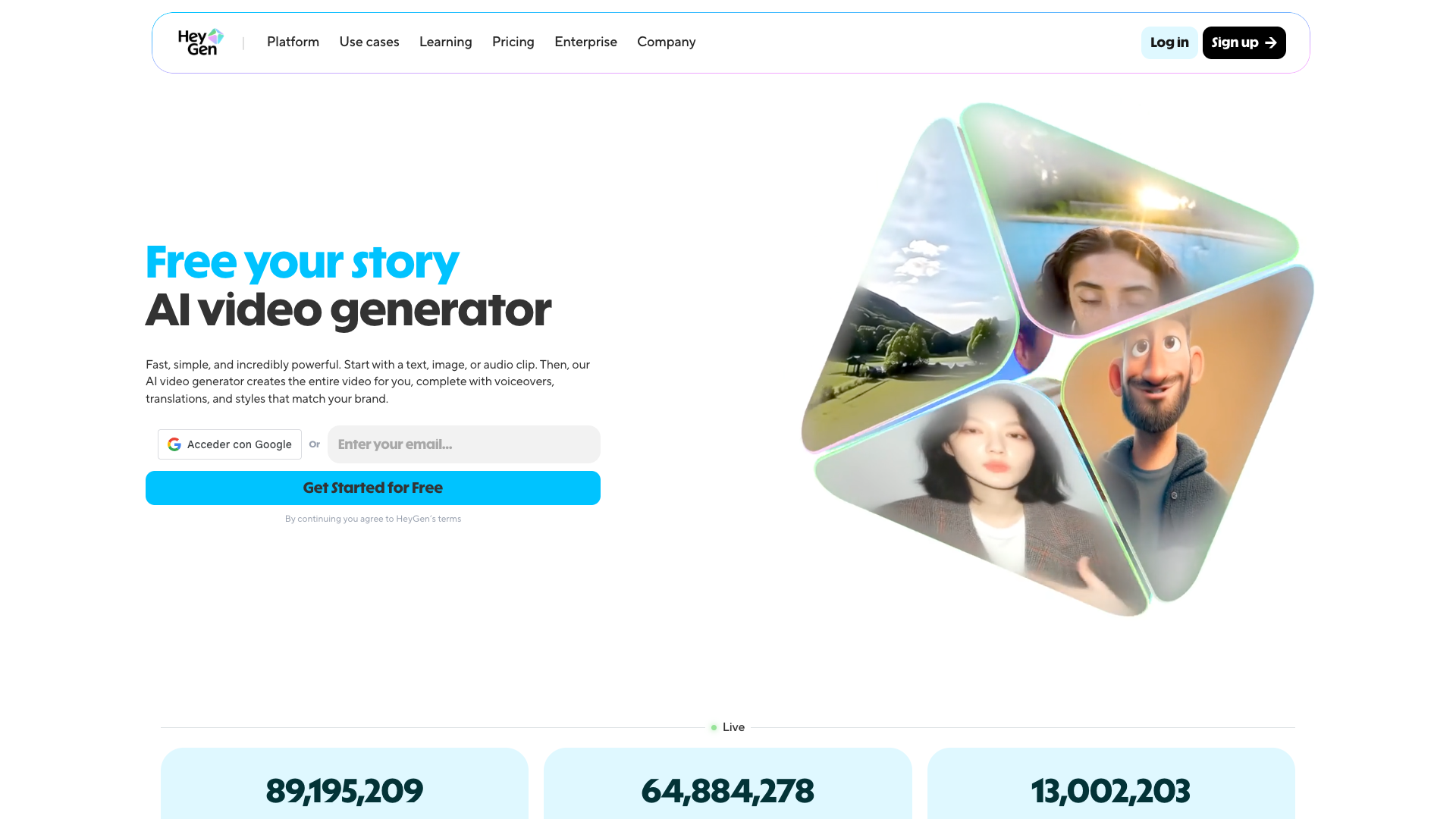
HeyGen released Avatar IV in Fall 2024, representing a quantum leap in AI avatar realism with lifelike movements and lip-syncing that make AI-generated videos virtually indistinguishable from actual recordings.
What It Does
HeyGen creates realistic talking avatar videos from photos and scripts, supporting 175+ languages with AI translation and voice cloning capabilities.
Key Features
- 500+ AI Avatars: Diverse library of pre-made professional avatars
- Custom Avatar Creation: Generate personalized avatars from your photos
- Avatar IV Technology: Most advanced avatar model with ultra-realistic movements
- 175+ Languages: Speak in any language with accurate lip-syncing
- AI Video Translator: Convert existing videos to different languages
- Unlimited Video Creation: Generate as many videos as needed on paid plans
Primary Use Cases
- Corporate training and onboarding videos
- Marketing and product demonstration videos
- Educational course content
- Personalized sales outreach at scale
- Multilingual content creation
- Social media content production
Pricing
- Free: 1 minute of video generation to test the platform
- Creator: $24/month with 15 minutes of video per month
- Teams: $69/month with 30 minutes and team collaboration
- Enterprise: Custom pricing with API access and dedicated support
Why It’s Transformative
HeyGen’s Avatar IV technology crossed the uncanny valley that plagued earlier AI avatar tools. The Fall 2024 update produced avatars with natural micro-expressions, realistic breathing patterns, and lip movements synchronized perfectly with speech—making the technology viable for professional use. The multilingual capabilities enable companies to create localized video content at scale without hiring translators, voice actors, or production crews. For training departments, HeyGen solves the perennial problem of outdated training videos—updating content requires only changing the script, not scheduling full video shoots.
8. Bolt.new: Deploy Full-Stack Apps With One Click
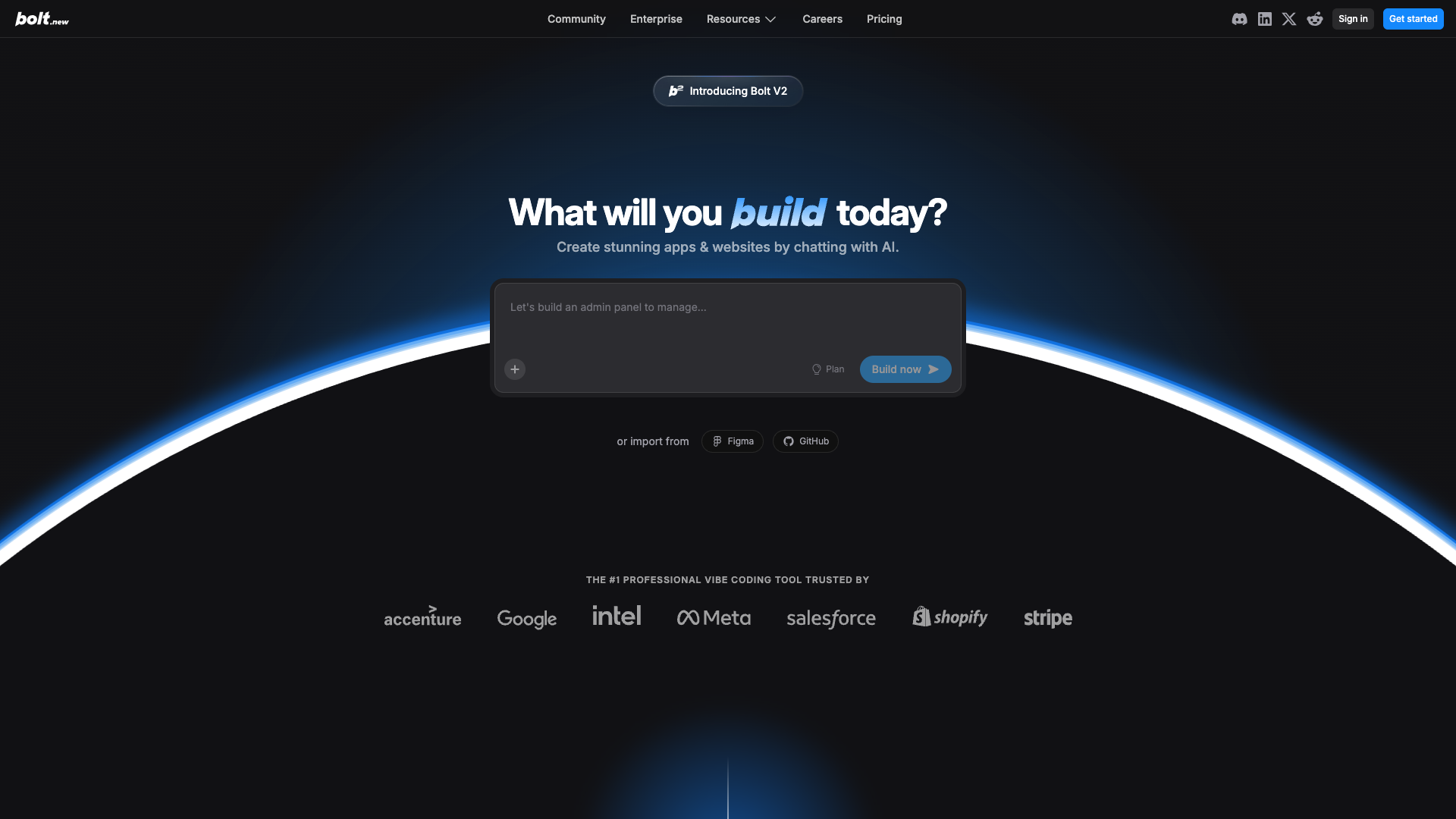
Bolt.new simplifies web application development and deployment to an unprecedented degree, integrating Supabase for databases, Stripe for payments, and GitHub for version control—all with AI assistance.
What It Does
Bolt.new provides an AI-powered web development platform where users can build full-stack applications through conversation, then deploy them instantly with integrated backend services.
Key Features
- Conversational Development: Build apps by describing what you want
- One-Click Deployment: Launch applications instantly to production
- Supabase Integration: Built-in database and authentication
- Stripe Payment Integration: Add payment processing with simple prompts
- GitHub Synchronization: Automatic version control and code backup
- Figma Integration: Import designs directly into development
Primary Use Cases
- SaaS MVP development
- Internal business tools and dashboards
- Landing pages and marketing sites
- E-commerce and payment-enabled apps
- Side projects and portfolio pieces
- Client deliverables for agencies
Pricing
- Free Tier: Build and experiment with limited deployments
- Pro Plan: Enhanced features, unlimited deployments, and production-grade infrastructure
Why It’s Transformative
Bolt.new removes the complexity barrier that prevents many ideas from becoming reality. Traditional web development requires coordinating multiple services—hosting, databases, authentication, payments—each with its own learning curve and setup process. Bolt.new bundles these into a cohesive platform accessible through natural language. For entrepreneurs testing business ideas, this compression of development time from weeks to hours enables rapid validation without significant capital investment. The integrated payment processing is particularly valuable—adding Stripe to an application traditionally requires navigating complex documentation and security considerations, while Bolt.new handles this through simple prompts.
9. NotebookLM: Google’s Research Assistant That Thinks Like You
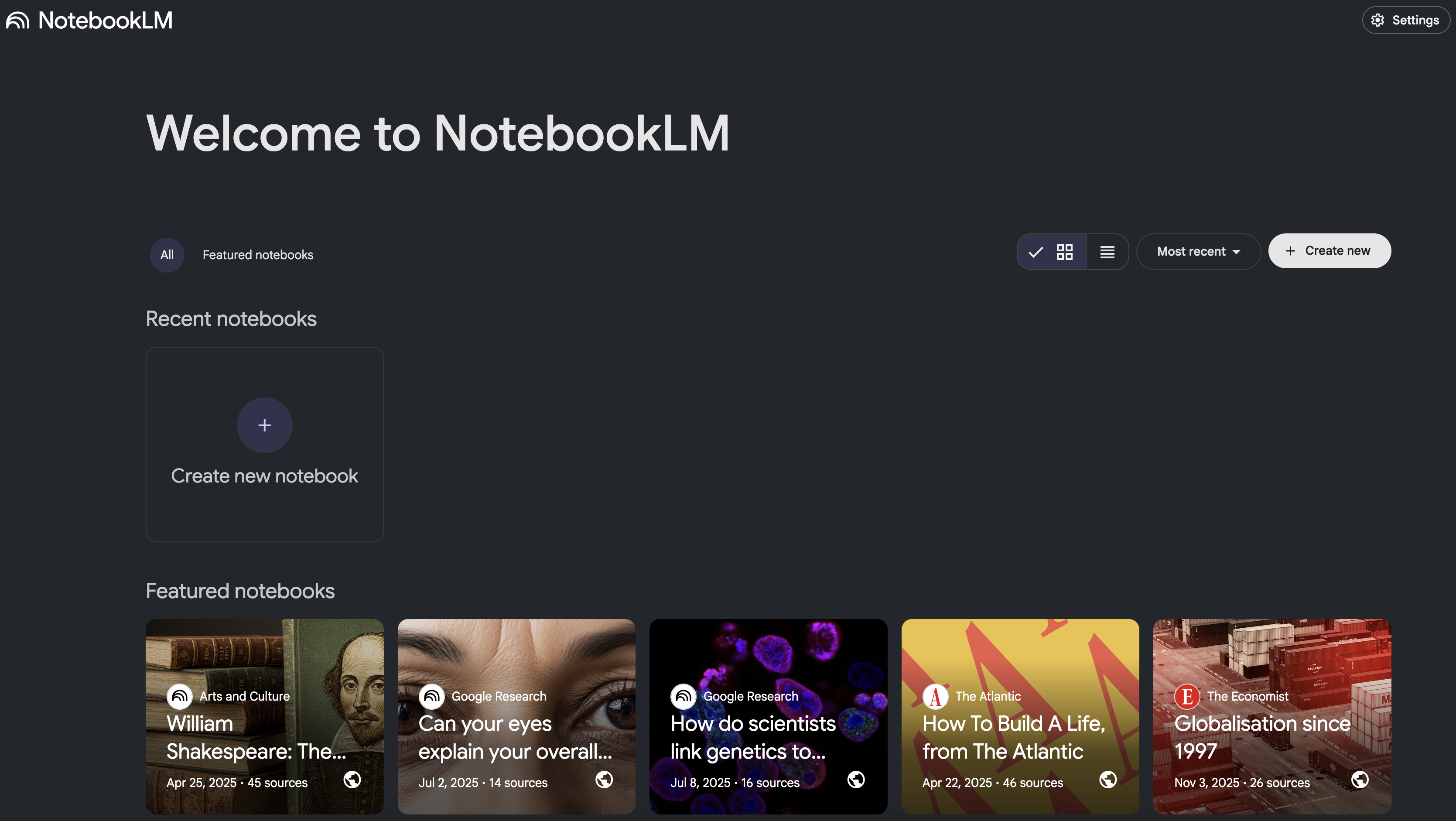
NotebookLM from Google introduced groundbreaking audio features in October 2024, generating podcast-style discussions between AI hosts that explain complex documents in conversational format.
What It Does
NotebookLM transforms uploaded documents (PDFs, text files, audio, video) into interactive knowledge bases, generating summaries, answering questions, and creating podcast-style audio overviews.
Key Features
- Multi-Format Upload: Process text, audio, video, and documents
- AI-Generated Podcasts: Two AI hosts discuss your documents conversationally (October 2024)
- Customizable Audio: Adjust depth, focus areas, and discussion style
- Source Linking: Every answer links back to original source material
- Contextual Understanding: Maintains context across multiple documents
- Collaborative Notebooks: Share and collaborate on research with teams
Primary Use Cases
- Academic research and literature review
- Document analysis and synthesis
- Learning complex topics from multiple sources
- Content research for writing projects
- Professional development and skill building
- Legal and contract analysis
Pricing
- Free: Full access to core features
- NotebookLM Plus: Organizational accounts with enhanced features and admin controls
Why It’s Transformative
NotebookLM’s October 2024 podcast feature represents a fundamentally new way to consume information. Instead of reading lengthy documents, users can listen to two AI hosts discuss the content conversationally, ask questions, debate interpretations, and explain complex concepts—making dense material accessible during commutes or workouts. The source-linking feature addresses AI hallucination concerns by showing exactly where information comes from. For researchers managing dozens of papers or professionals trying to master new domains, NotebookLM functions as a personalized teacher that adapts to individual learning styles and focuses on specific questions.
10. Replit Agent: Tell It What to Build, Watch It Code
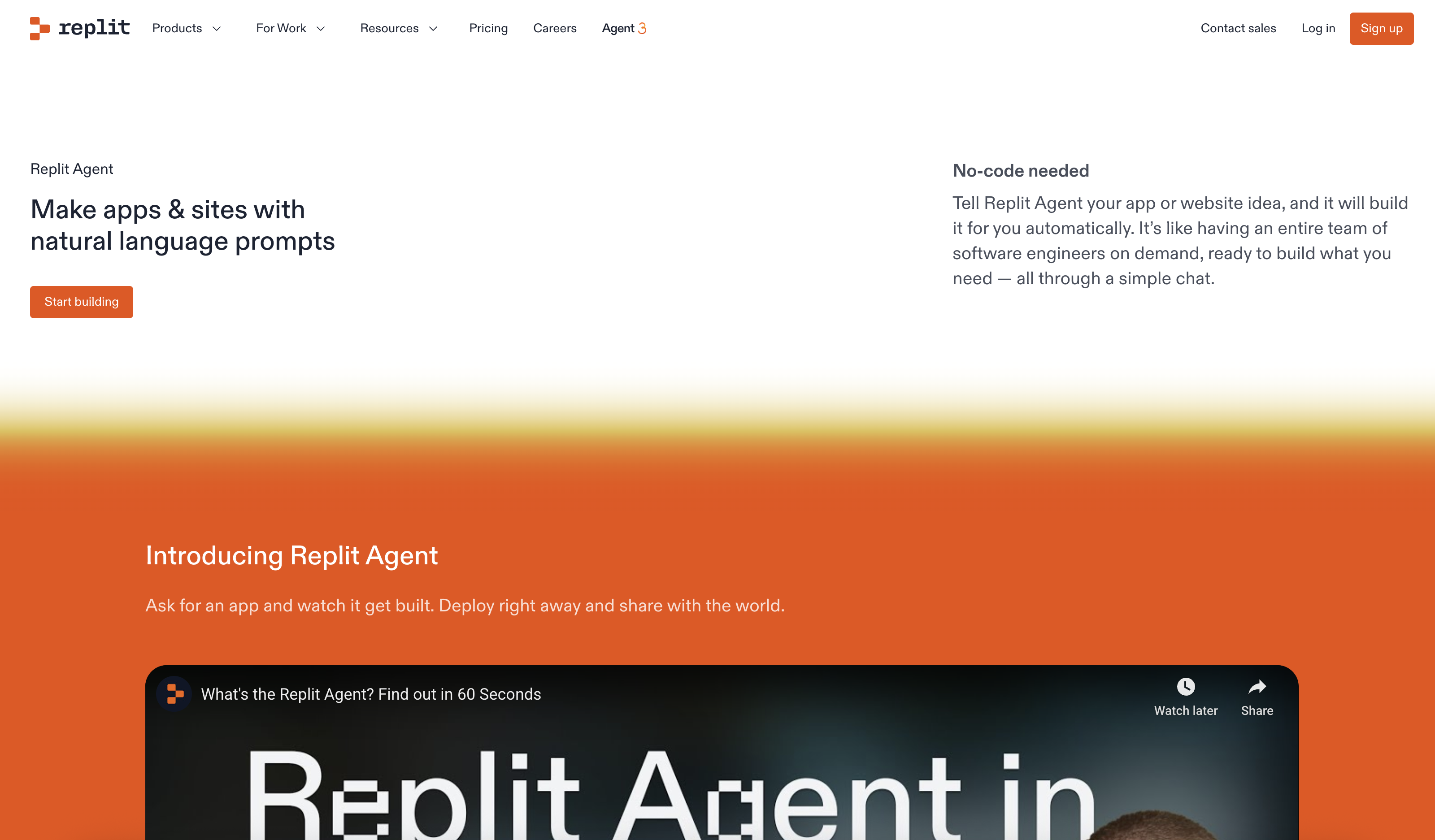
Replit Agent, launched in September 2024, represents the evolution of AI coding from assistance to autonomous development—where the AI builds entire applications from natural language specifications.
What It Does
Replit Agent is an AI software developer that autonomously writes, tests, and deploys complete applications based on natural language descriptions, handling the full development lifecycle.
Key Features
- Autonomous Development: Builds complete apps without manual coding
- Multi-Language Support: Works across JavaScript, Python, Go, Rust, and more
- Integrated Deployment: One-click hosting and production deployment
- Real-Time Collaboration: Work alongside the AI agent iteratively
- Cloud Development Environment: Fully browser-based with instant setup
- Package Management: Automatically installs and configures dependencies
Primary Use Cases
- Learning programming through observation
- Rapid prototyping and concept validation
- Internal tools and automation scripts
- API development and integration
- Educational projects and coursework
- Small business software solutions
Pricing
- Free Tier: Limited AI builds and deployments
- Replit Core: $20/month with enhanced resources
- Replit Teams: Starting at $20/user/month with collaboration features
Why It’s Transformative
Replit Agent represents the inflection point where AI transitions from coding assistant to autonomous developer. Unlike Cursor or GitHub Copilot that help developers write code faster, Replit Agent can complete entire projects independently. This capability democratizes software development in unprecedented ways—product managers can validate ideas without hiring developers, students can learn by watching AI build applications, and technical founders can prototype rapidly before bringing on engineering teams. The September 2024 launch demonstrated that autonomous coding has reached production viability, fundamentally changing the economics of small software projects.
Key Trends Shaping AI Tools in 2025
Examining these 10 tools reveals several transformative trends:
1. AI Development Tools Are Going Mainstream
Four of our top 10 tools (Cursor, Lovable, Bolt.new, Replit Agent) focus on software development, reflecting AI’s transformative impact on coding. These tools aren’t replacing developers—they’re amplifying productivity and lowering barriers to entry.
2. Voice Technology Reached Maturity
Wispr Flow and Fathom AI demonstrate that voice-to-text technology has finally achieved accuracy and reliability for professional use. The 220 WPM speeds and 95% accuracy rates make voice input genuinely faster than typing for many professionals.
3. Content Creation Became Democratized
Gamma, Descript, and HeyGen enable professional-quality content creation without specialized skills. A marketing manager can now produce presentation design, video editing, and avatar videos that previously required hiring designers, editors, and production crews.
4. Research and Knowledge Work Transformed
NotebookLM’s ability to synthesize information across documents and generate podcast-style explanations represents a fundamental shift in how we consume and process information. AI is becoming a personalized teacher and research assistant rather than just a search tool.
5. Generous Free Tiers Signal Confidence
Several tools (Fathom AI, NotebookLM, Cursor, Lovable) offer substantial free tiers, indicating confidence that users will upgrade once they experience value. This contrasts with traditional SaaS pricing and accelerates adoption.
Choosing the Right AI Tool for Your Needs
With hundreds of AI tools launching monthly, selection becomes critical. Consider these factors:
For Developers: Cursor offers the most mature AI coding experience, while Lovable and Bolt.new excel at rapid prototyping. Replit Agent works best for autonomous development of smaller projects.
For Content Creators: Descript revolutionizes video production, Gamma handles presentations, and HeyGen enables avatar video creation. Choose based on your primary content format.
For Productivity: Wispr Flow transforms any typing-heavy workflow, while Fathom AI specializes in meeting documentation. NotebookLM excels at research and learning.
For Teams: Consider collaboration features—Gamma, Fathom AI, and Descript all offer team plans with enhanced sharing and analytics.
Budget Considerations: Many tools offer generous free tiers. Start with free plans to validate fit before committing to paid subscriptions.
The Future of AI Tools
The tools featured here represent the current state of AI applications, but the pace of innovation continues accelerating. We’re transitioning from tools that assist with tasks to autonomous agents that complete entire workflows. The next wave will likely feature:
- True Multimodal Agents: Tools that seamlessly work across text, voice, video, and images simultaneously
- Specialized Industry Solutions: AI tools tailored for specific professions (legal, medical, finance) rather than general-purpose platforms
- Local and Privacy-First Options: Response to privacy concerns with on-device processing and data sovereignty
- Integration Ecosystems: AI tools that communicate and hand off tasks between each other
The common thread across successful AI tools in 2025 is clear: they solve specific problems measurably better than previous solutions. The winning tools aren’t trying to be everything to everyone—they excel at particular use cases where AI provides genuine advantages.
For professionals navigating this landscape, the strategy is straightforward: identify your most time-consuming or frustrating workflows, then experiment with AI tools specifically designed to address those pain points. The tools featured in this guide represent the best starting points across the most common professional needs.
The AI tools revolution isn’t coming—it’s already here. The question is no longer whether to adopt AI tools, but which ones will provide the most value for your specific work. The 10 tools explored here offer proven solutions with demonstrated traction, making them safe bets for professionals ready to enhance their productivity in 2025.